
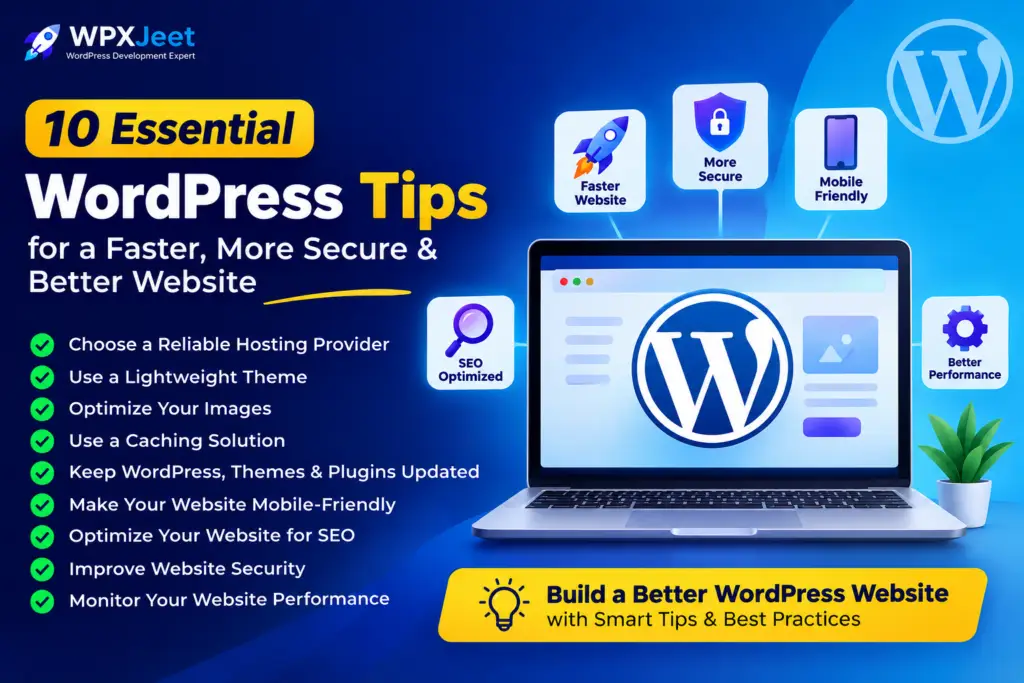
WordPress makes it easy to build a professional website, but creating a website is only the beginning. To deliver a great experience to your visitors, your website should be fast, secure, mobile-friendly, SEO-friendly, and easy to manage.
Whether you are a business owner, blogger, freelancer, or someone starting a new website, these practical WordPress tips can help you improve your website’s performance and user experience.
Choose a Reliable Hosting Provider
Your hosting provider has a major impact on your website’s speed, uptime, and overall performance.
Choose hosting that provides:
- Good server performance
- SSL certification
- Reliable uptime
- Regular backups
- Security features
- WordPress optimization
A good hosting foundation makes it easier to build a fast and reliable website.
2. Use a Lightweight WordPress Theme
Your theme controls much of your website’s design and functionality. A poorly optimized theme can load unnecessary scripts and slow down your website.
Choose a lightweight, responsive, and regularly updated theme. Avoid themes that include too many features you don’t actually need.
Optimize Your Images
Large, unoptimized images are one of the most common reasons for slow-loading websites.
Before uploading images to WordPress:
- Resize them to the required dimensions
- Compress them
- Use modern formats such as WebP
- Avoid uploading unnecessarily large files
- Add descriptive ALT text
Optimized images can significantly improve page loading speed while maintaining good visual quality.
Use a Caching Solution
Caching allows WordPress to serve previously generated versions of your pages instead of creating everything from scratch for every visitor.
A properly configured caching solution can improve:
- Page loading speed
- Server performance
- Core Web Vitals
- Overall user experience
Choose a caching plugin that works well with your hosting environment and configure only the features you need.